
How to make a to-do list in Telegram
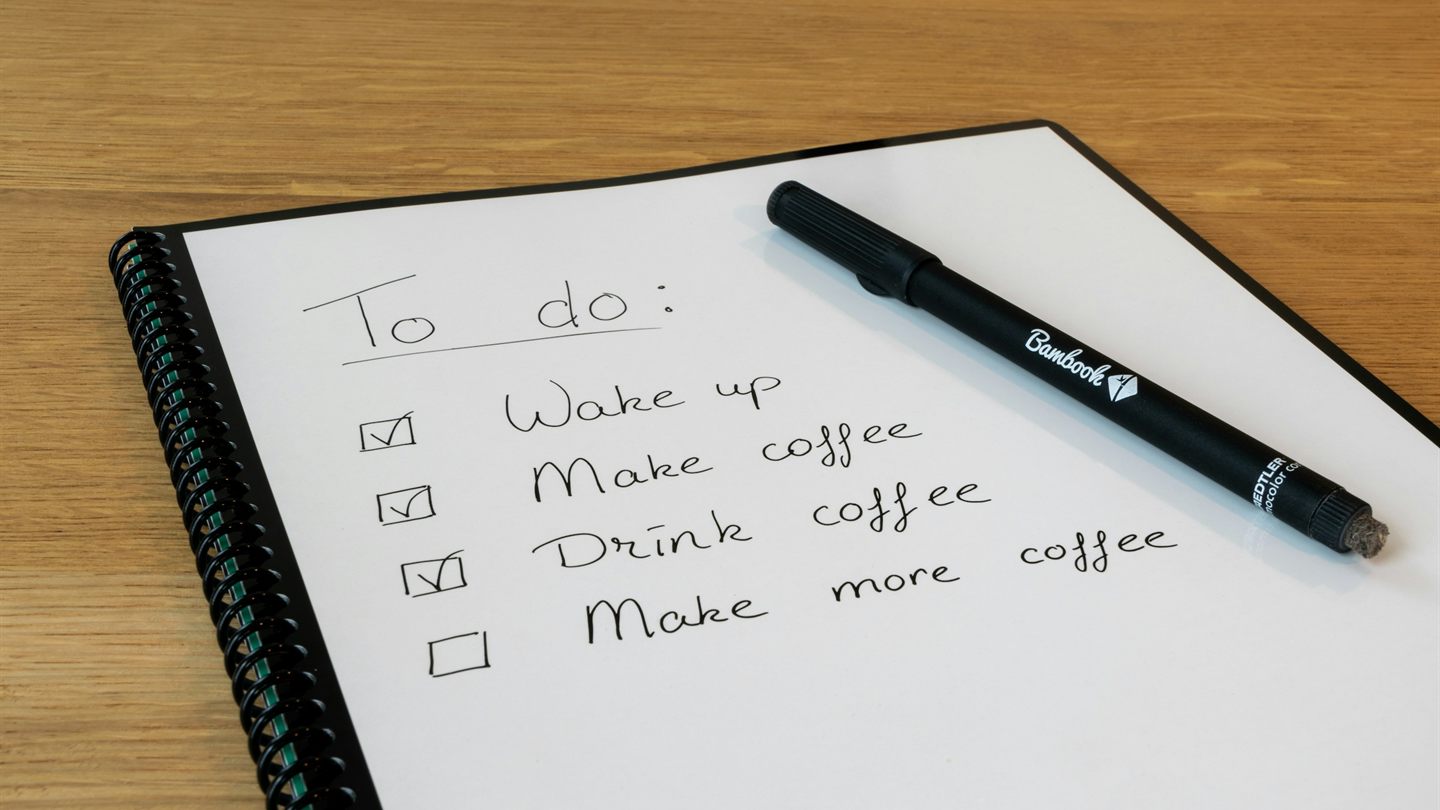
Telegram is open all day anyway, so keeping your tasks there makes sense. Here are four ways to do it, from Saved Messages to task bots, and where each one hits its ceiling.
For a lot of people, Saved Messages quietly holds half their life: links to read later, a grocery list, a receipt number, "call the garage". It makes sense. Telegram is already open, while a separate to-do app is one more thing to remember to open.
Telegram has more built-in tools for this than most people realize, but each one has a ceiling. Here are four ways to keep tasks in Telegram, from simplest to most capable.
1. Saved Messages as a to-do list
The simplest option: send tasks to Saved Messages, one per message. To find things later, add hashtags like #home, #work or #buy and search by them. You can delete what's done or mark it with a checkmark reaction.
The upside: it's free, always at hand and synced across your devices. The downside is just as obvious. It's a feed, not a list: no checkboxes, no deadlines, and done and not-done items sit side by side. After a month, Saved Messages turns into an archive where nothing can be found.
How to set a reminder in Telegram
Saved Messages has a feature many people miss: reminders. Type a message, but instead of tapping send, press and hold the send button (on desktop, right-click it) and choose Set a Reminder. Pick a date and time. When the moment comes, the message shows up in Saved Messages with a notification.
Reminders are stored like scheduled messages, so you can edit or delete them before they go off. For things like "pay the internet bill on the 25th", that's plenty. What you can't do is mark anything as done: the reminder simply arrives and stays in the feed as a message.
2. Scheduled messages to remind other people
In a regular chat or group, the same button gives you Schedule Message: your message goes out at the time you choose. It's a handy way to remind your team about a morning call or your roommates that tomorrow is trash day, without holding it in your head all evening.
That's also the answer to a common question, how to set a reminder in a Telegram group. There's no separate reminder feature for groups, so scheduled messages fill that role.
3. Telegram Premium checklists
In the summer of 2025, Telegram added checklists with real checkboxes. You can create one in any chat, group or your Saved Messages: open the attachment menu and tap Checklist. The creator decides whether others can check off items and add new ones.
For shared tasks, it's the best built-in option: groceries for two, packing for a trip, chores for the weekend. But only Telegram Premium users can create checklists, and the items have no due dates or reminders. It's a list, not a planner.
4. A task bot or mini app
Once you have more than a dozen tasks, you need due dates, reminders, projects and a clear answer to "what's due today". That's where bots and mini apps come in: they open right inside Telegram, with nothing to install.
A few things worth checking before you pick one:
- Reminders arrive on their own, in your chat with the bot, not only inside the app.
- There are due dates and a Today view, otherwise you're back to a long feed.
- Recurring tasks like "every Monday" or "on weekdays" are set up once.
- It's clear who can see your tasks. A bot runs on a server, and your tasks live there. Ideally the privacy policy says so plainly.
StarDo is our take on that kind of mini app. It has due dates, reminders, checklists inside tasks, projects and labels, recurring tasks and a calendar. With Plus you also get tasks by voice: tell the bot what needs doing on the go, and the task appears on its own. We store the contents of your tasks encrypted.
The main difference is the promise. You can back any task with Telegram Stars: finish on time and you pay nothing, miss the deadline and you pay what you promised. Why that works is covered in our piece on commitment devices.
Which one to choose
| Option | Free | Checkboxes | Deadlines and reminders | Shared tasks |
|---|---|---|---|---|
| Saved Messages | yes | no | reminder as a message | no |
| Scheduled messages | yes | no | message at a set time | yes |
| Telegram checklists | Premium only | yes | no | yes |
| StarDo | yes, some features in Plus | yes | yes | no |
If you have a handful of simple tasks, Saved Messages with reminders is enough. For a shared grocery list, Premium checklists are more convenient. If you have lots of tasks with real deadlines and you'd like to stop missing them, you need a planner. And if putting things off is the real problem, start with our guide on how to stop procrastinating.
Frequently asked questions
Can I set a reminder in Telegram without a bot?
Yes. In Saved Messages, press and hold the send button and choose Set a Reminder. The message arrives at the time you pick, along with a notification.
How do I make a free to-do list in Telegram?
The easiest way is Saved Messages: one task per message, plus hashtags for search. Checklists with checkboxes can't be created for free, since they require Premium. Free checkboxes, due dates and reminders are available in task bots and mini apps, including StarDo.
How do I send a reminder in a Telegram group?
With a scheduled message: type your text, press and hold send, choose Schedule Message and pick a time.
Free, inside Telegram, nothing to install.